
Trucking software that integrates with QuickBooks.
Approved tickets become customer invoices and hauler bills without retyping. Tread builds driver and vendor settlements from the same tickets. QuickBooks stays your ledger.
Does Tread integrate with QuickBooks?
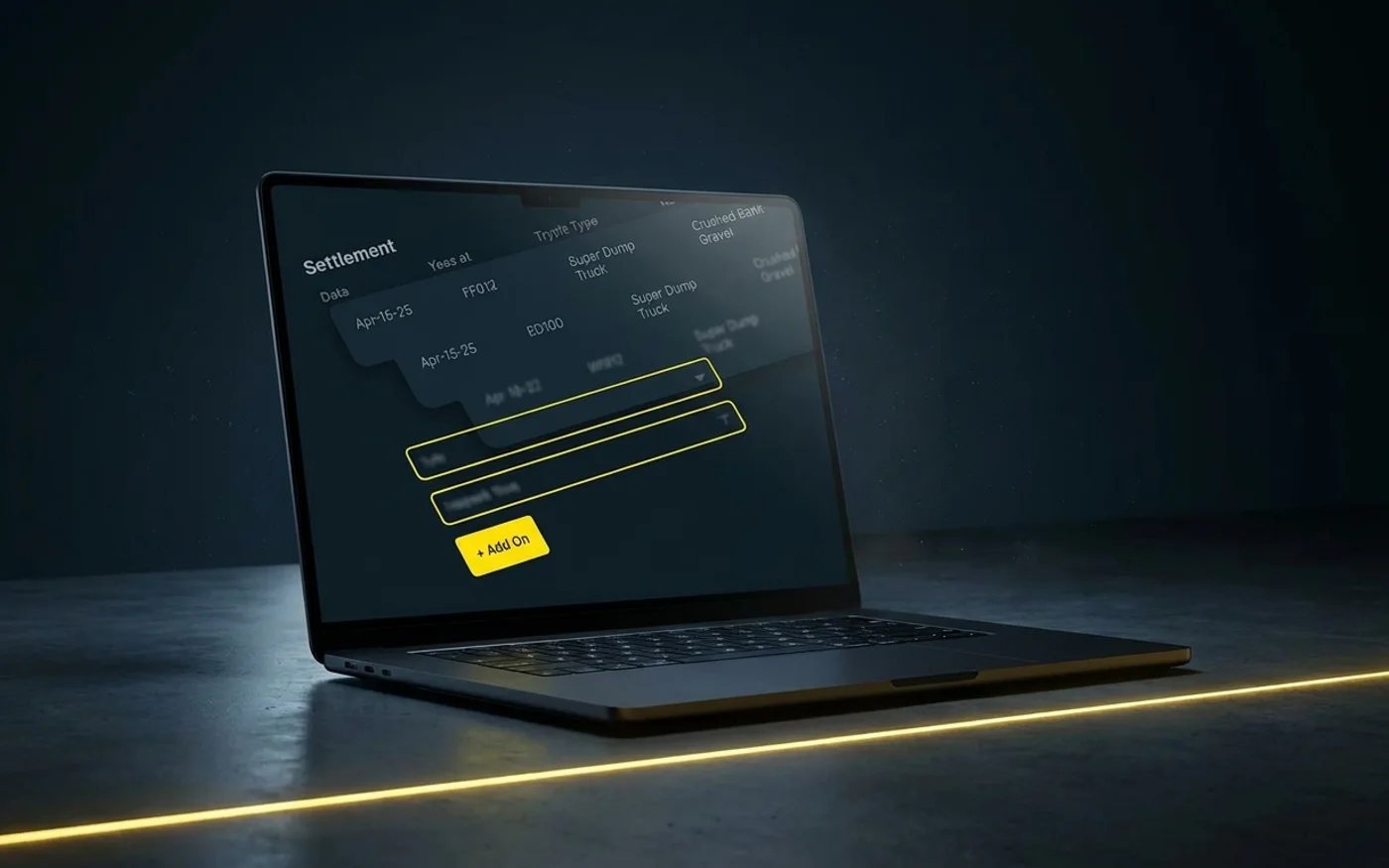
Yes. Tread syncs with QuickBooks Online and QuickBooks Desktop. It pulls in your customers, vendors, items, accounts, payment terms, and tax rates, and exports approved settlements as QuickBooks invoices and bills. Setup is per company, so ask your rep.
Who is it for?
| Best for | Not ideal for |
|---|---|
| Bulk haulers who keep QuickBooks as the ledger | Teams that need payments synced back from QuickBooks into Tread |
| Producers and contractors billing by the load, ton, or hour | Long-haul freight. Tread does not do LTL or multi-stop freight. |
| Back offices that retype tickets into QuickBooks today | Companies that want to sign up online without a demo |
What syncs between Tread and QuickBooks?
| Direction | What moves |
|---|---|
| From QuickBooks into Tread | Customers, vendors, items, accounts, payment terms, and tax rates |
| From Tread into QuickBooks | Approved settlements, as QuickBooks invoices and bills |
| Not synced | Payments. Record payments in QuickBooks. They are not synced back to Tread. |
Only approved settlements export. Your team approves the tickets and hours first.
You pay your haulers directly. Tread builds the settlement.
QuickBooks stays your ledger. Keep the source documents behind each invoice: the IRS lists invoices among the records that support gross receipts and expenses.
How do hauler bills and driver pay work?
Approved tickets and hours become driver and vendor settlements, with overtime and prevailing-wage rules applied, and a settlement PDF you can email.
Tread exports approved settlements as QuickBooks invoices and bills, so a hauler’s bill comes from the same tickets as the customer’s invoice.
You pay your haulers directly. Sub-haulers you work with join Tread for free.
The tickets behind each bill come from the field. See how drivers send them on trucking ticket management software.
Why connect trucking software to QuickBooks?
QuickBooks keeps the books well. It does not know which truck hauled which load, or which ticket proves it.
Tread fills that gap before anything reaches QuickBooks.
- Rate cards, fuel surcharge schedules, and add-ons set pricing for each project.
- AI reads printed and handwritten scale and material tickets from a photo and returns the ticket number, date, quantity, unit, material, and truck.
- AI checks each ticket’s quantity, date, and ticket number against the job, and flags the ones that need a look.
- Approved tickets and hours become driver and vendor settlements, with overtime and prevailing-wage rules applied, and a settlement PDF you can email.
QuickBooks then gets finished invoices and bills. Nobody types tickets into it. See how AI approvals and invoicing and payments work in Tread.
How do trucking QuickBooks integrations compare?
Tread publishes this page. Every fact about another product comes from that vendor’s own website, retrieved 2026-10-11. Where a vendor does not publish something, the cell says so.
| Software | QuickBooks versions | Into QuickBooks | From QuickBooks | Built for (their words) |
|---|---|---|---|---|
| Tread | Online and Desktop | Approved settlements as invoices and bills | Customers, vendors, items, accounts, payment terms, tax rates | Material producers, bulk haulers, and civil contractors |
| Toro TMS | Online and Desktop | Load, payroll, and invoicing data | Not described on the page as of 2026-10-11 | Bulk hauling dispatch and back office |
| Truckbase | Online by direct integration. Desktop by export file. | Invoices and attached documents | Invoice status shows in both systems | “small fleets” and “growing asset-based carriers” |
| TruckLogics | Online. Desktop is not listed on the page as of 2026-10-11. | Invoices created from a dispatch | Address book contacts | Not named on the page |
By the Tread team. We make dispatch and billing software, so every fact about another product here comes from that vendor’s own site. Statements about Tread cover features Tread ships today.
- Toro TMS, QuickBooks trucking software, retrieved 2026-10-11. https://www.torotms.com/blog/quickbooks-trucking-software
- Toro TMS home page, retrieved 2026-10-11. https://www.torotms.com/
- Truckbase, QuickBooks trucking, retrieved 2026-10-11. https://www.truckbase.com/quickbooks-trucking
- TruckLogics, QuickBooks integration, retrieved 2026-10-11. https://www.trucklogics.com/quickbooks-integration
- Tread documentation, retrieved 2026-10-11. https://docs.tread.ai/
- Intuit, QuickBooks Online. https://quickbooks.intuit.com/online/
- Intuit, QuickBooks Desktop. https://quickbooks.intuit.com/desktop/
- IRS, What kind of records should I keep. https://www.irs.gov/businesses/small-businesses-self-employed/what-kind-of-records-should-i-keep
QuickBooks Online or QuickBooks Desktop?
Both sync. Intuit sells QuickBooks Online and QuickBooks Desktop as separate products, so confirm which one you run. Setup is per company, so ask your rep. Intuit’s product pages: QuickBooks Online and QuickBooks Desktop.
How is it set up?
Tread’s team loads your data and trains your people before go-live. Setup is per company, so ask your rep. For the rest of the billing side, see trucking accounting software. For the tickets behind each invoice, see trucking ticket management software. Run dump trucks? See dump truck dispatch software and how Tread serves bulk haulers.
FAQ
QuickBooks trucking software questions
Does Tread integrate with QuickBooks Online and QuickBooks Desktop?
Yes. Tread syncs with QuickBooks Online and QuickBooks Desktop. It pulls in your customers, vendors, items, accounts, payment terms, and tax rates, and exports approved settlements as QuickBooks invoices and bills. Setup is per company, so ask your rep.
Can you use QuickBooks for a trucking company?
Yes, as the ledger. It does not know which truck hauled which load or which ticket proves it. Trucking software fills that gap and sends QuickBooks finished invoices and bills.
What does Tread send to QuickBooks?
Approved settlements, as QuickBooks invoices and bills.
Does Tread record customer payments?
No. Payments are not synced back to Tread. Record customer payments and bill payments in QuickBooks, which stays the record of what has been paid.
Does Tread replace QuickBooks?
No. Tread runs dispatch, tickets, approvals, invoices, and settlements. QuickBooks keeps your ledger, receivables, payables, and financial statements.
Does Tread pay my haulers?
No. Tread builds the settlement from approved tickets and hours, with a settlement PDF you can email. You pay your haulers directly.
Does Tread create bills for our haulers?
Yes. Approved tickets and hours become driver and vendor settlements. Tread exports approved settlements as QuickBooks invoices and bills. You pay your haulers directly.
Which accounting systems does Tread not connect to?
Tread does not export to Sage, Vista, Foundation, Spectrum, HCSS, or NetSuite today. Its accounting connections are QuickBooks Online and QuickBooks Desktop. If you run a different system, ask your rep before you plan around it.
How much does trucking software with QuickBooks cost?
It depends on how many loads you run. Book a demo and we’ll walk through it with your loads.
See approved loads reach QuickBooks.
Book a demo to see approved loads become QuickBooks invoices and bills.
Get a demo →Last updated