
Dispatch point-to-point container moves.
Dispatch each move, see when the truck arrives, capture the BOL and proof of delivery, and bill the move.
Container and chassis tracking, per-diem and demurrage, and terminal appointments are not built.
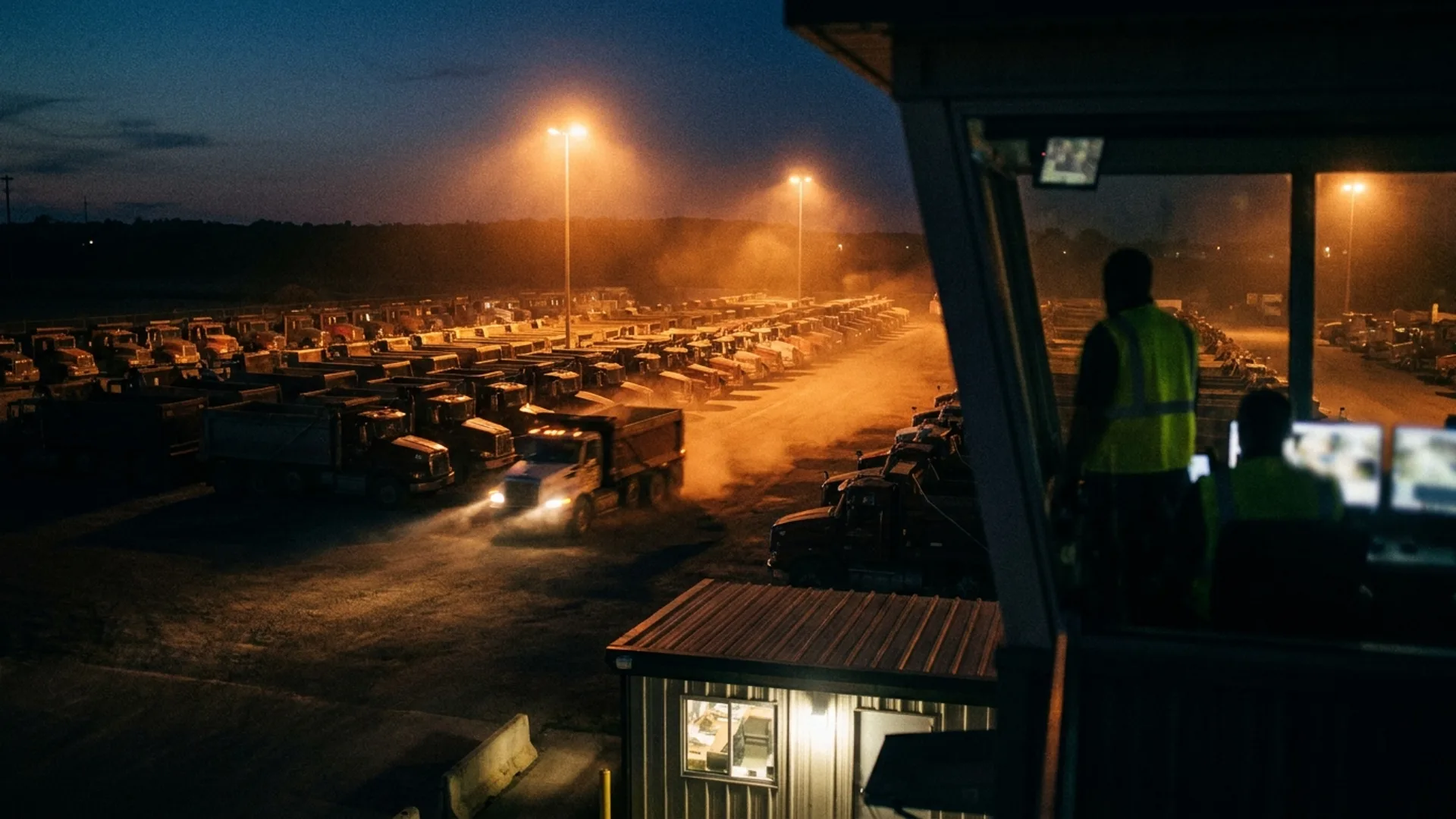
Can Tread dispatch drayage?
Tread dispatches point-to-point container moves: dispatch, geofenced arrival, BOL and proof-of-delivery capture, and billing. Container and chassis tracking, per-diem and demurrage, and terminal appointments are not built. Tread fits short moves where each truck goes from one pickup to one drop-off and you bill the move.
Fit
Is Tread a fit for drayage carriers?
A good fit
- Short container moves with one pickup and one drop-off.
- Carriers who bill by the move.
- Fleets that want geofenced arrival and BOL and proof-of-delivery photos on every move.
Not a fit
- Tread does not track containers or chassis.
- Tread does not handle per-diem or demurrage.
- Tread does not book terminal appointments.
- Tread does not replace your terminal operating system.
Useful references: FMCSA: registration and operating authority · QuickBooks by Intuit
What changes
Run the trucks like you run the rest of the operation
Dispatch each move
Drag and drop, click to assign, or bulk assign trucks on one board, for your own drivers, owner-operators, and sub-haulers.
Know when the truck arrives
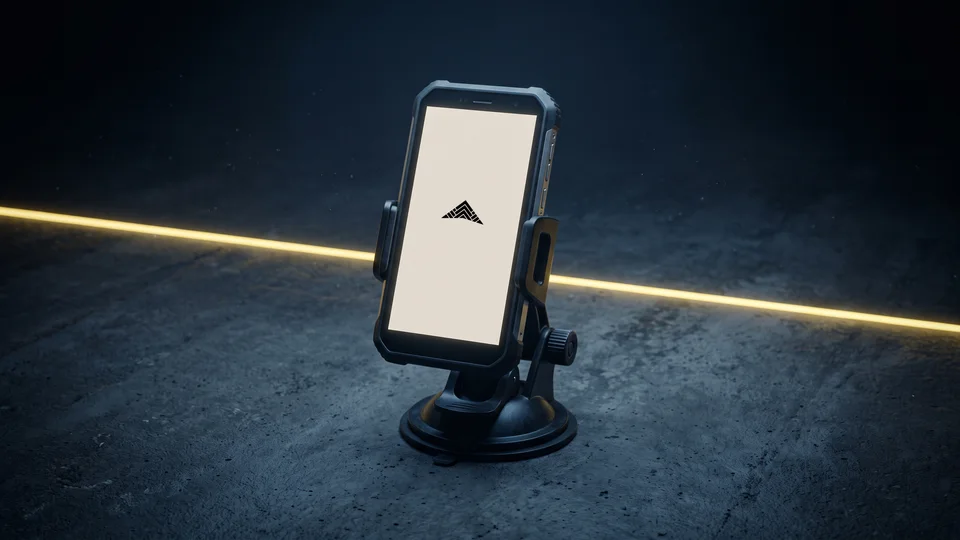
Live location and geofenced arrival and departure from the Tread driver app, on the phones drivers already carry.
Capture the BOL and proof of delivery
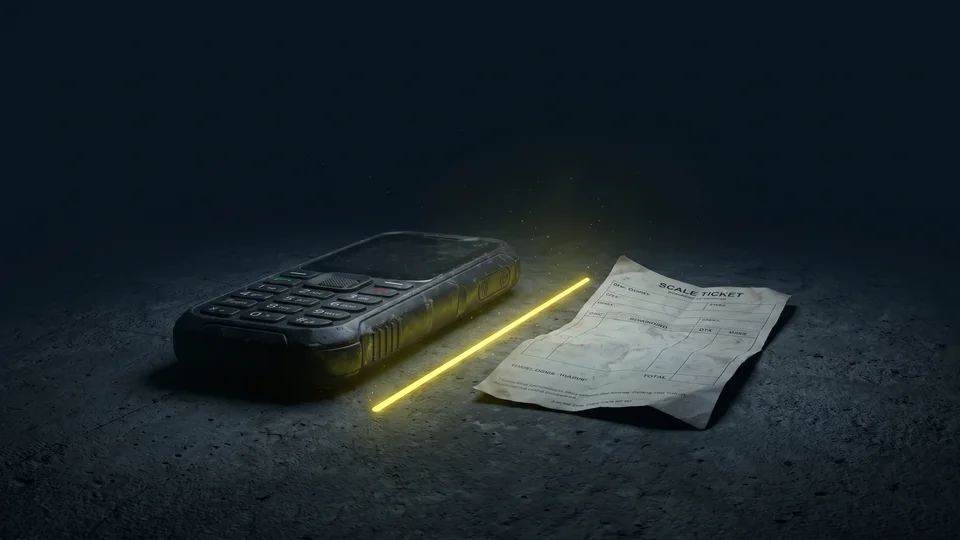
Drivers capture BOL and proof-of-delivery photos in the Tread driver app. Both are attached to the move when it closes.
Bill the move
Bill a flat rate per load. Tread exports approved settlements to QuickBooks Online or QuickBooks Desktop as invoices and bills.
See Tread in action
Experience what changes when your truck flow, scale tickets, and billing run through one connected system.
Get a demo →Go deeper
Workflows built for the way you move material
See if Tread fits your moves.
See how Tread handles dispatch, BOL and proof-of-delivery capture, and billing for your moves.
Get a demo →FAQ
Questions from drayage carriers
Does Tread dispatch container moves from a port or rail ramp?
Yes, as point-to-point moves: dispatch, geofenced arrival, BOL and proof-of-delivery capture, and billing.
Which drayage features are not built?
Container and chassis tracking, per-diem and demurrage, and terminal appointments are not built. If you need those, Tread is not the right system for you today.
How do drivers capture the BOL and proof of delivery?
Drivers capture BOL and proof-of-delivery photos in the Tread driver app. The driver app keeps working without signal. Logs, locations, and ticket photos save on the phone and sync when it reconnects. New dispatches still need a connection.
Can I see when a truck reaches the customer?
Yes. Live location and geofenced arrival and departure from the Tread driver app, on the phones drivers already carry.
Can I bill by the move?
Yes. Each move is one load, and you bill a flat rate per load. Tread syncs with QuickBooks Online and QuickBooks Desktop and exports approved settlements as QuickBooks invoices and bills.
Can owner-operators run moves for me?
Yes. Drag and drop, click to assign, or bulk assign trucks on one board, for your own drivers, owner-operators, and sub-haulers. Drivers can get a job request by text and reply YES or NO. No app is needed for that step.
Last updated