
Dispatch, settle, and bill a small fleet from one place.
Send jobs by app or by text, collect ticket photos, turn approved loads into settlements, and sync invoices and bills to QuickBooks.
Tread accounts start with a demo. There is no public signup.

What does Tread do for small carriers and owner-operators?
Tread is trucking software for small fleets and owner-operators. Dispatch your drivers, owner-operators, and sub-haulers from one board, or send a job request by text. Drivers text in ticket photos or use the app. Approved tickets and hours become settlements, and invoices and bills sync to QuickBooks.
Fit
Is Tread a fit for small carriers and owner-operators?
A good fit
- Small fleets that haul bulk or construction materials, or run point-to-point loads.
- Owner-operators who haul for a company on Tread.
- Operators who dispatch by text today and bill from paper tickets.
Not a fit
- Tread does not have a public signup. Accounts start with a demo.
- Tread does not move money. You pay your haulers directly.
- Tread does not keep hours of service or e-logs. Connect your ELD or telematics provider through Catena.
- We don't do LTL.
Useful references: FMCSA: registration and operating authority · FMCSA: electronic logging devices · QuickBooks by Intuit
About half
Of all loads on Tread are hauled by owner-operators.
All customers on Tread, July to October 2026. Demo and test accounts excluded.
What an owner told us
They spent a whole morning keying in tickets. That was a morning not spent running the business.
What changes
Run the trucks like you run the rest of the operation
Dispatch by app or by text
Drag and drop, click to assign, or bulk assign trucks on one board, for your own drivers, owner-operators, and sub-haulers. Drivers can get a job request by text and reply YES or NO. No app is needed for that step.
Collect tickets without chasing paper
Drivers can text in ticket photos. AI reads printed and handwritten scale and material tickets from a photo and returns the ticket number, date, quantity, unit, material, and truck. Tread’s AI agent follows up by text with drivers who haven’t submitted tickets, and collects the photos.
Settle with drivers and owner-operators
Approved tickets and hours become driver and vendor settlements, with overtime and prevailing-wage rules applied, and a settlement PDF you can email. You pay your haulers directly.
Send billing to QuickBooks
Tread syncs with QuickBooks Online and QuickBooks Desktop. It pulls in your customers, vendors, items, accounts, payment terms, and tax rates, and exports approved settlements as QuickBooks invoices and bills.
“Prior to Tread we were 2 weeks out from invoicing. We had to wait for tickets from the week prior, collect and sort them, verify and create or scan invoices. It was literally an 8-foot table of paperwork EVERY WEEK to deal with and to have to retain and file. Fast forward to today, no paperwork, 8-foot table is thrown away, and we can invoice the next day. THAT is streamlined time management.”
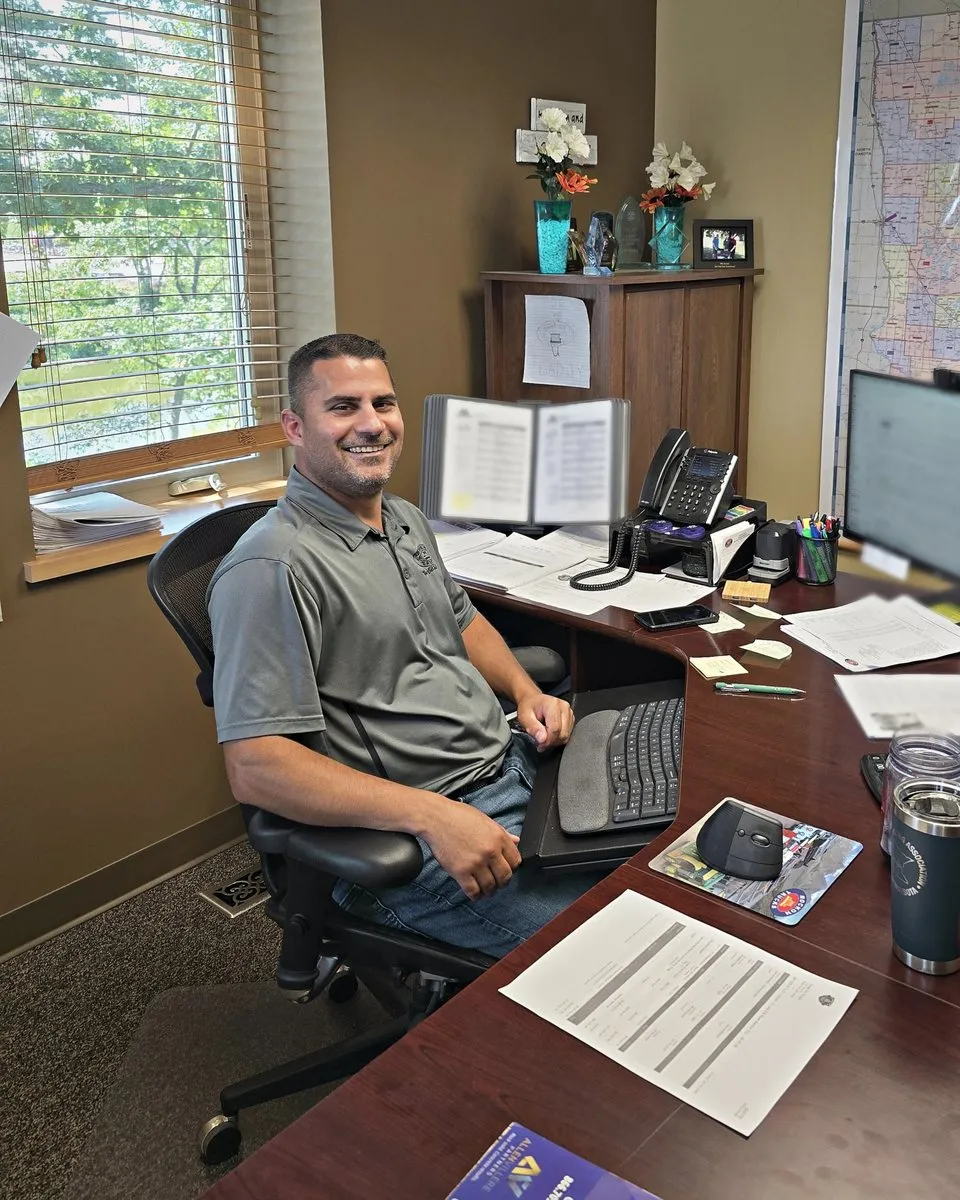 Rock On Trucks
See Tread in action
Experience what changes when your truck flow, scale tickets, and billing run through one connected system.
Get a demo →

Keep exploring
Related reading
- Book a Tread demo →
- Scheduling and dispatch in Tread →
- Dump truck and bulk dispatch software →
- Compare Tread with other dispatch software →
- Dispatch drivers by text →
- Invoicing and settlements →
- Dispatch software for truckload (FTL) carriers →
- Trucking accounting software with QuickBooks →
- What is a TMS for trucking? →
Put the paper tickets away.
See how Tread handles dispatch, tickets, settlements, and QuickBooks for a small fleet.
Get a demo →FAQ
Questions from small carriers and owner-operators
Can I sign up online?
No. Tread does not have a public signup. Accounts start with a demo, and our team sets up your company. How fast the whole fleet rolls out depends on its size. Our team can load your data and train your people for you.
Can drivers use text messages instead of the app?
Drivers can get a job request by text and reply YES or NO. No app is needed for that step. Drivers can text in ticket photos. The Tread driver app adds live location and geofenced arrival and departure.
How do I settle with drivers and owner-operators?
Approved tickets and hours become driver and vendor settlements, with overtime and prevailing-wage rules applied, and a settlement PDF you can email. Tread builds the settlement. You pay your haulers directly.
Does Tread connect to QuickBooks?
Tread syncs with QuickBooks Online and QuickBooks Desktop. It pulls in your customers, vendors, items, accounts, payment terms, and tax rates, and exports approved settlements as QuickBooks invoices and bills. Setup is per company, so ask your rep about your account.
I haul for a company that uses Tread. How do I get on?
Ask that company to add you. Companies on Tread dispatch their own drivers, owner-operators, and sub-haulers from the same board.
What languages is the driver app in?
The driver app is in English, Spanish, and Punjabi. Tread has native iOS and Android apps for drivers, dispatchers, admins, and foremen.
Last updated