
Know who’s moving the work.
See company and third-party truck availability in one place. Build the day around the work and send assignments or changes to drivers in bulk.
Scheduling & Dispatch in Tread
Plan the day from one dispatch view
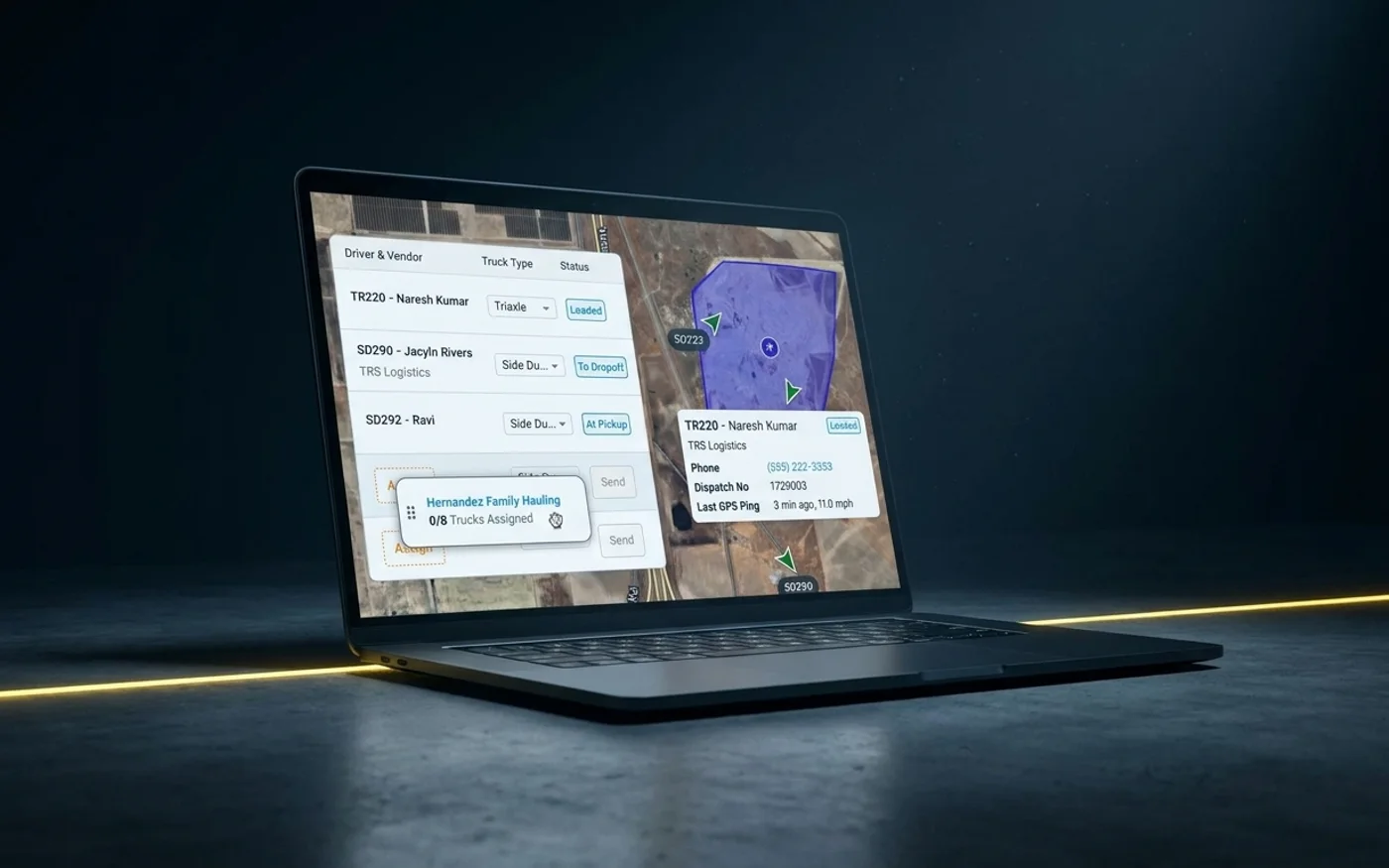
See company and third-party trucks together
View truck counts, driver availability, and assigned work together as you build the day.
Build the schedule in minutes
Assign work across multiple trucks and drivers at once while keeping the full day in view.
Adjust the schedule as the day changes
When plans change, move the work to another truck or driver and send the update from the same board.
Inside Tread
See the dispatch board in Tread
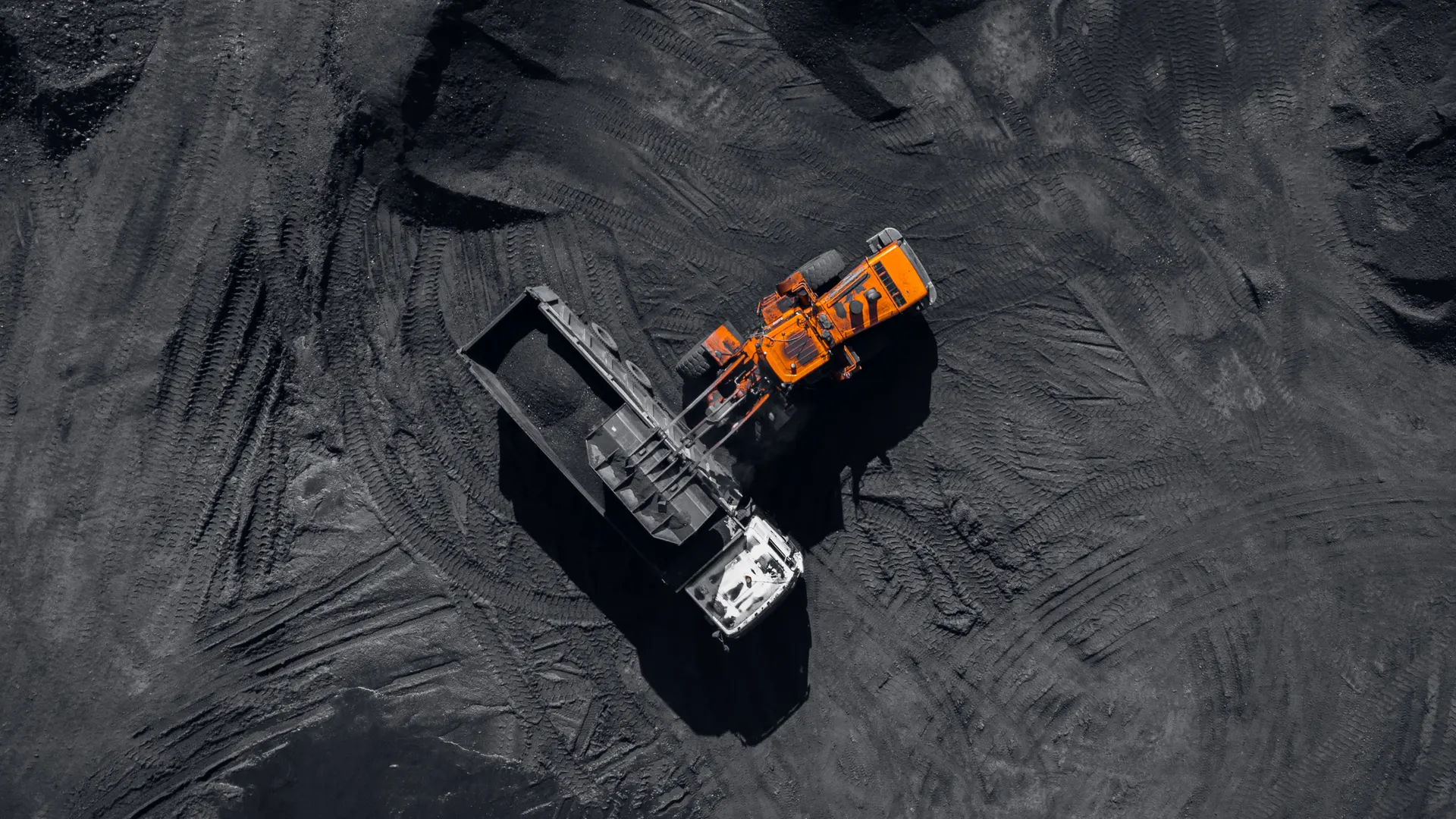
Use the dispatch board to review the day’s jobs, drivers, and assignments, make changes, and send work from the same screen.
Get a demo →Where you are in the cycle
Go deeper
Workflows tied to Scheduling & Dispatch



See Scheduling & Dispatch in Tread.
Bring tomorrow’s schedule and we’ll show you how to build and send it in Tread.
Get a demo →FAQ
Common questions
What does a third-party driver see?
Drivers receive the assignments and job details you send them. The dispatcher keeps the full view of company and third-party truck availability, assignments, and the schedule.
Do drivers need the Tread app to receive a dispatch?
No. Dispatchers can send assignments and changes by SMS, email, or mobile notification based on how each driver receives updates.
Can dispatchers work from different views?
Yes. Tread gives dispatchers multiple views to organize assignments and work through the schedule.
What happens if a truck or driver becomes unavailable after the schedule goes out?
Reassign the work from the dispatch board and send the change directly to the drivers involved.