
Review only what needs your attention.
Tread does the first pass on every completed load, matching it to the dispatch, tickets, GPS, and scale data. Your team handles only the exceptions, confirms driver time, and codes costs, and nothing reaches billing unchecked.
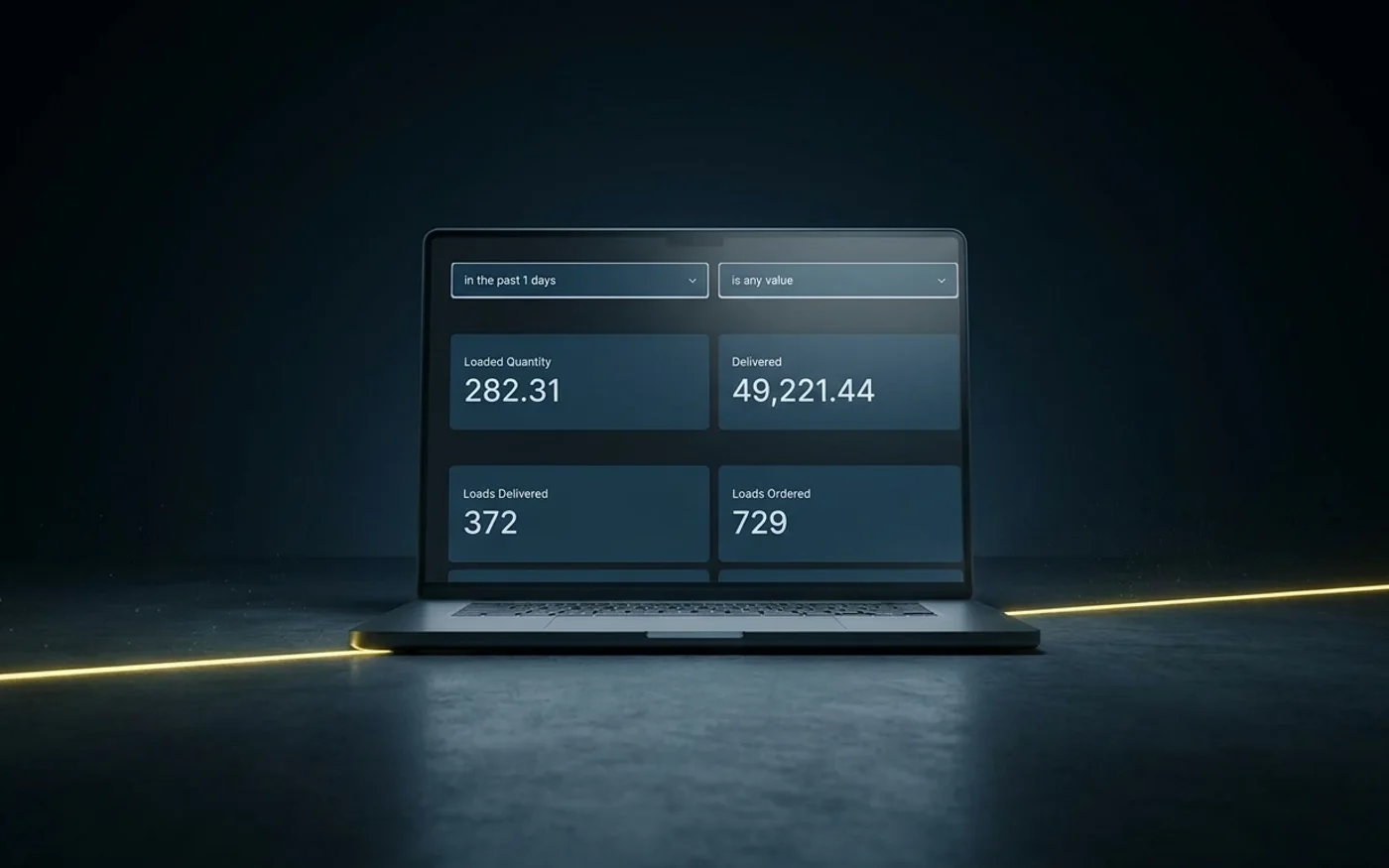
AI Approvals & Cost Coding in Tread
Clear completed work faster
Surface exceptions automatically with AI
Tread’s AI compares each ticket with the original dispatch, other tickets on the order, and connected scale data to flag anything that needs a closer look.
Approve driver time with the details behind it
Ticket images, GPS routes, geofence timestamps, load counts, and shift hours show what happened during each shift.
Code costs before billing
Apply project cost codes as you clear completed work to keep hauling spend current against the project.

Inside Tread
Approve by driver or by job
Approve Work shows driver shifts with hours, loads, and tickets already populated. Approve Jobs gives you a load-by-load view with ticket images, GPS routes, geofence timestamps, and duplicate flags.
Get a demo →Where this fits
- 01Sales & Quoting
- 02Order Management
- 03Scheduling & Dispatch
- 04Live Tracking
- 05E-Ticketing
- 06AI Approvals & Cost Coding
- 07Invoicing & Payments



See AI Approvals & Cost Coding in Tread.
Bring a completed load or timesheet. We’ll show you how your team reviews exceptions, approves time, and assigns project costs in Tread.
Get a demo →FAQ
Common questions
Does AI make the final approval decision?
No. Tread flags exceptions and surfaces the supporting details. Your team makes the final decision.
What kinds of exceptions does Tread flag?
Duplicate tickets, ticket quantities that do not match connected scale data, tickets that do not match the original dispatch, and driver time that does not line up with GPS and geofence activity.
Can foremen approve from the field?
Yes. Foremen can approve work from mobile or web when your process requires jobsite approval.
How does Tread support prevailing-wage reporting?
Tread captures geofenced hours by equipment type and provides exports that support prevailing-wage reporting.
Where does the data go after approval?
Tread moves cleared loads into receivables and payables using the rates already established for the project. Supported accounting integrations can also receive that information without another round of data entry.