
Get every order into one place.
Capture requests from customers, the field, text, email, or connected systems with the material, quantity, timing, and job details your team needs.
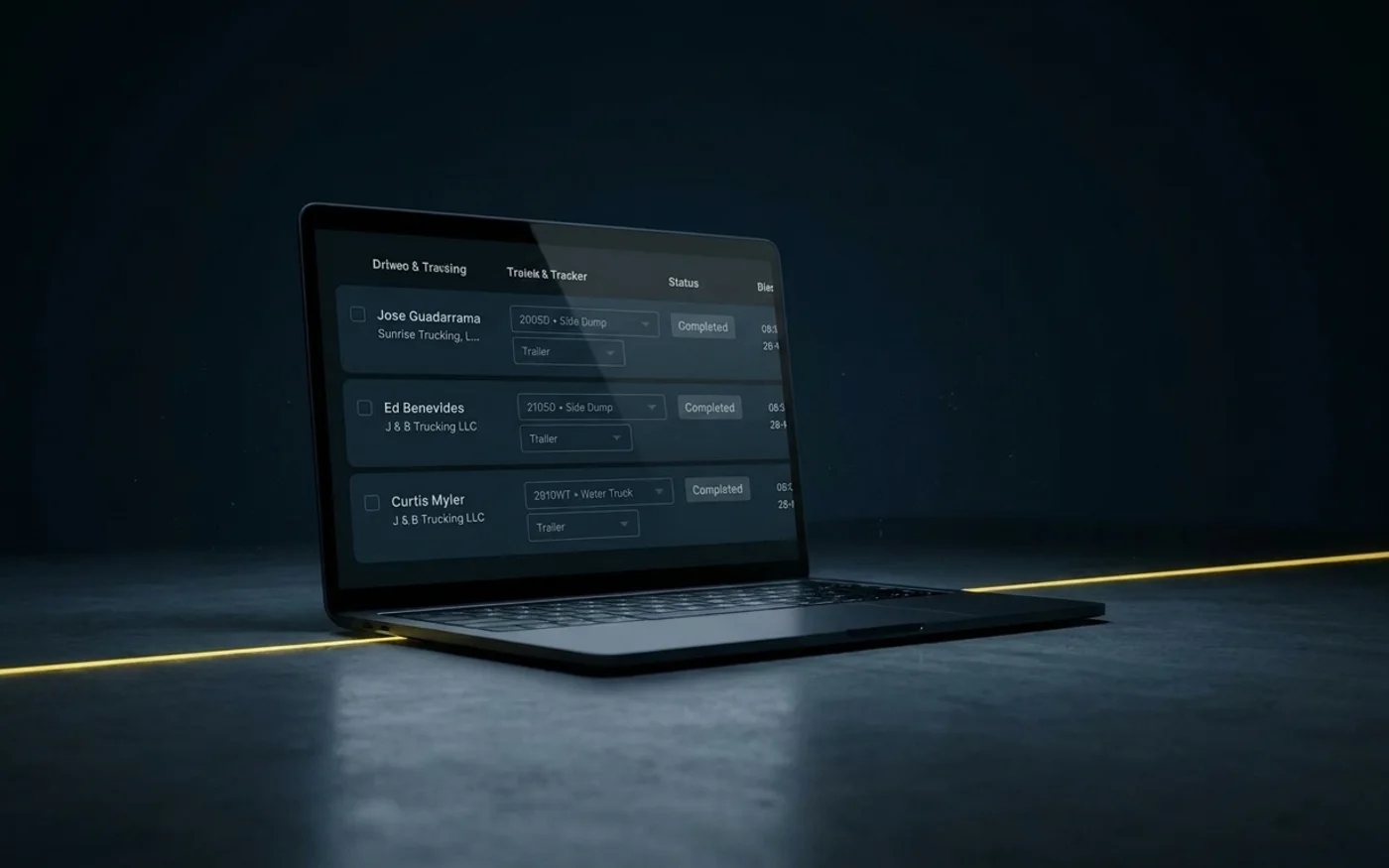
Order Management in Tread
Give dispatch a complete order
Build from the project details
Use the customer, PO, pickup and dropoff, material, contacts, and other job information already established on the project.
Set recurring work once
Use Standing Orders for work that repeats daily or weekly instead of rebuilding the same order each day.
Keep instructions with the work
Separate driver instructions from internal notes, giving the field and office the information each needs.

Inside Tread
Know what dispatch is working from
Review the material, quantity, pickup, dropoff, timing, contacts, PO, and instructions before trucks are assigned.
Get a demo →Where you are in the cycle
Go deeper
Workflows tied to Order Management


See Order Management in Tread.
Bring a current job or PO and we'll show you how Tread sets up the work for dispatch.
Get a demo →FAQ
Common questions
Does every order have to start with a quote?
No. Accepted quotes can carry into projects and orders, but work can also come directly from customers, the field, text, email, or connected systems.
How do projects and orders work together in Tread?
Projects hold the shared job setup, including the customer, PO, sites, materials, contacts, notes, and attachments. Orders define the specific work that needs to happen against that project. One project can support multiple orders, including recurring work.
What kinds of work can Tread manage as an order?
Tread supports Loads Orders, Standing Orders for recurring daily or weekly work, Service Orders for time and equipment, Quick Orders, and Marketplace Orders.
What if our orders already come from another system?
Tread can bring order information in through supported integrations and retain the external IDs tied to that work. Your operations team can manage the order in Tread without rebuilding the same information by hand.