
Bill the work when it is done.
Approved tickets give your team the rates and load details needed to invoice customers and calculate third-party hauler settlements.
Payments coming soon.
Invoicing & Payments in Tread
Build invoices and settlements from approved work
Create invoices from completed loads
Tread uses approved quantities, rates, and job details to prepare customer invoices with the supporting tickets attached.
Calculate what you owe
Use the approved work and project rates to prepare driver and third-party hauler settlements.
Send billing data to accounting
Export receivables and payables to supported accounting systems without entering the same information again.

Inside Tread
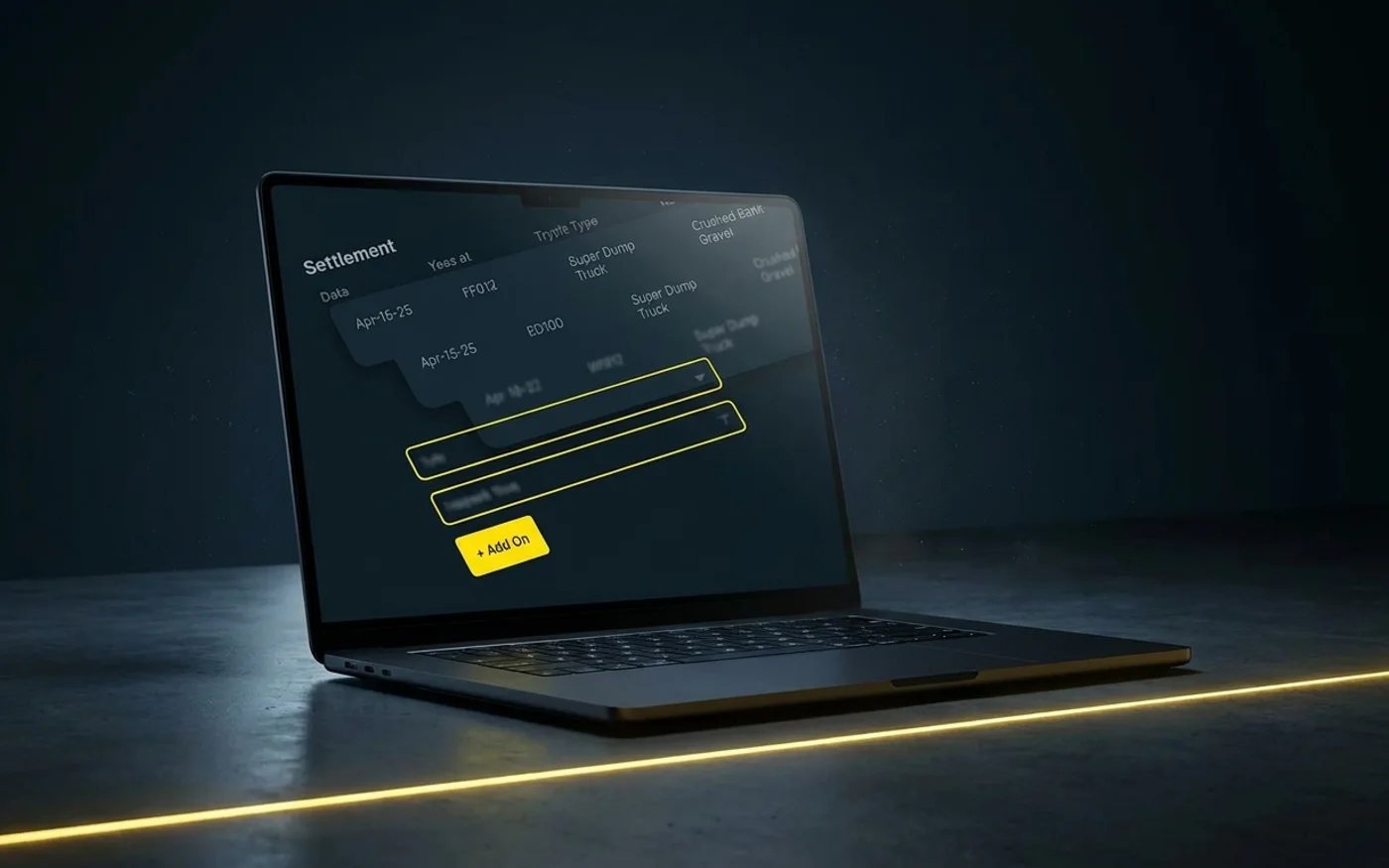
Review what you bill and what you owe
See customer charges and driver or third-party hauler settlements alongside the rates, tickets, and load details behind them.
Get a demo →Where this fits
Go deeper
Workflows in Invoicing & Payments

Same-Day Ticket Approvals
Clear completed tickets while the supporting information is available and move approved work into billing the same day.

AI Load Review
Catch duplicate tickets and errors before a load reaches an invoice.

IFTA Mileage Tracking
Mileage by jurisdiction, captured automatically for IFTA reporting.
Move completed work into billing.
See how Tread takes approved loads into invoices and settlements without another round of data entry.
Get a demo →FAQ
Common questions
How soon can we invoice completed work?
Approved loads can move into customer invoices the same day, with the supporting tickets and load details already attached.
How does Tread calculate third-party hauler settlements?
Tread uses the work your team approved and the rates established for the project to calculate what you owe each hauler.
Can the customer rate and the hauler rate differ on the same load?
Yes. The customer rate and the third-party hauler rate are set separately on the project, so the invoice and the settlement for the same load each use their own rate.
Does Tread replace our accounting system?
No. Tread prepares the receivables and payables data and sends it to supported accounting systems. Tread supports QuickBooks Online and QuickBooks Desktop, and exports to Sage 300, Vista, Foundation, and Spectrum.
What supporting detail goes out with an invoice?
The approved tickets, quantities, rates, and timestamps behind each line, so a customer can check the invoice against the loads without calling you.
Can Tread send payments directly?
Not yet. Tread prepares settlements today. Direct payments are coming soon.