
Watch every truck from pickup to dropoff on one live map.
Track company and third-party trucks in real time using the driver app or connected telematics.
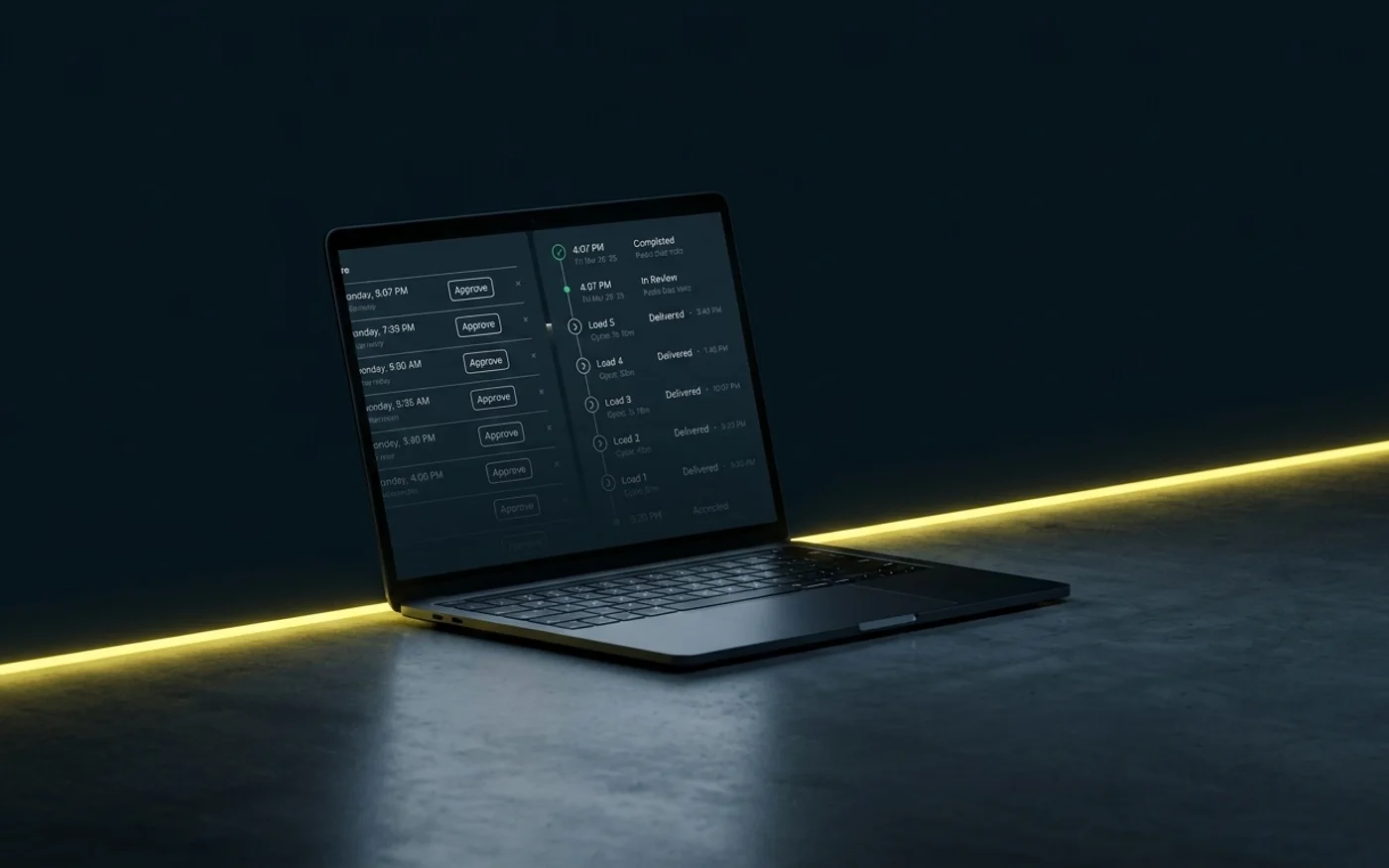
Live Tracking in Tread
Track location, arrivals, and time on site
Track company and third-party trucks together
The live map puts company trucks and third-party haulers in the same view while the haul is underway.
Capture arrivals and departures
Geofences mark when trucks enter and leave pickup and dropoff locations, giving dispatch a timestamp for each visit.
Replay the route after the load
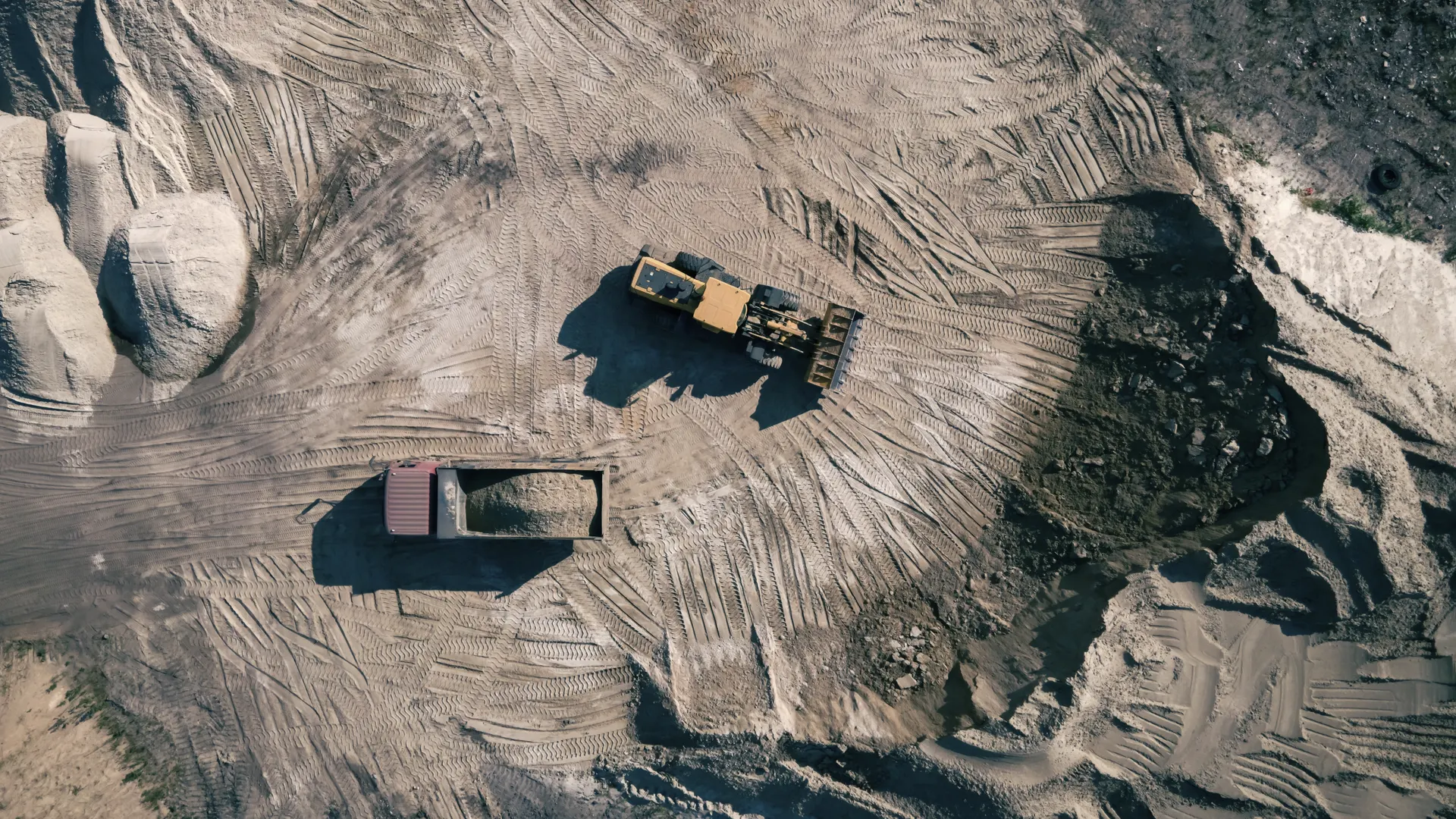
Truck Replay shows where a truck went, when it arrived, when it left, and how long it spent on site.
Inside Tread
Open the map and find the truck you need
Use the full-fleet view for the day’s movement, or open a truck to review its current location and route history.
Get a demo →Go deeper
Workflows tied to Live Tracking


See Live Tracking in Tread.
Bring a current job and we’ll show you the live map and Truck Replay.
Get a demo →FAQ
Common questions
Does live tracking require extra hardware in the truck?
No. Tread can use GPS from the driver app or connect to telematics already installed in the fleet.
What happens when a driver loses cell service?
The Tread app continues collecting location data offline and syncs it when service returns.
Can customers and foremen see the trucks too?
Yes. Tread lets you share truck visibility with customers and foremen for their jobs, so they can check on a load without calling dispatch.
What if a truck misses a geofence, or the site moves?
Tread’s route summaries use the recorded route to verify hours worked and the actual pickup and dropoff sites, even when a geofence was missed or moved.