
Capture paper and digital tickets without retyping them.
Bring tickets into Tread as the work happens, each tied to its load with the details ready for review before the work moves to approvals.
E-Ticketing in Tread
Get ticket data ready for review
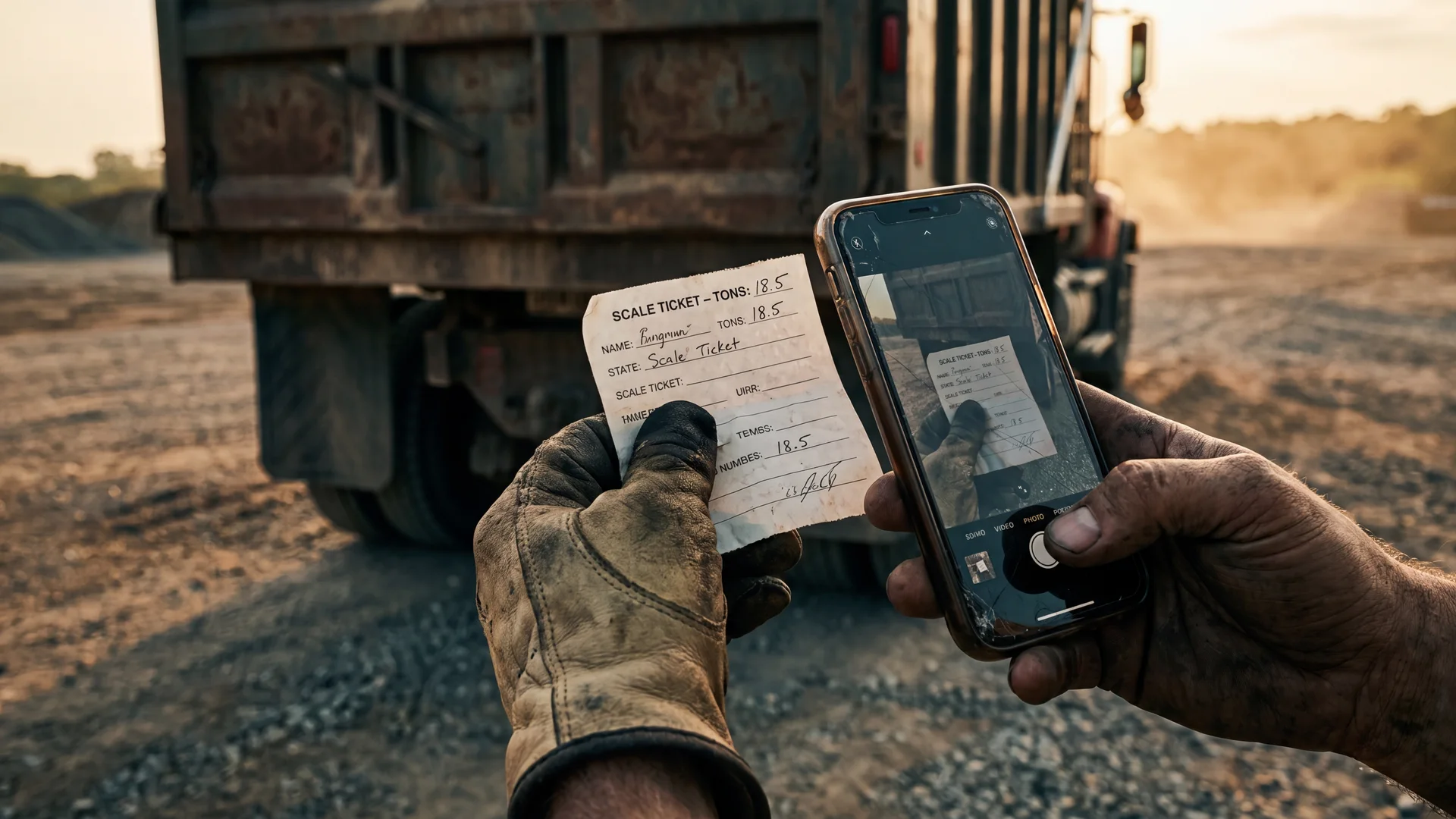
Capture paper tickets from the truck
Drivers photograph the scale ticket in the Tread app or submit a photo by text. Tread keeps the ticket image with the load.
Receive digital tickets directly
Connected scale systems and other Tread accounts send digital ticket data into Tread.
Use AI to read the ticket
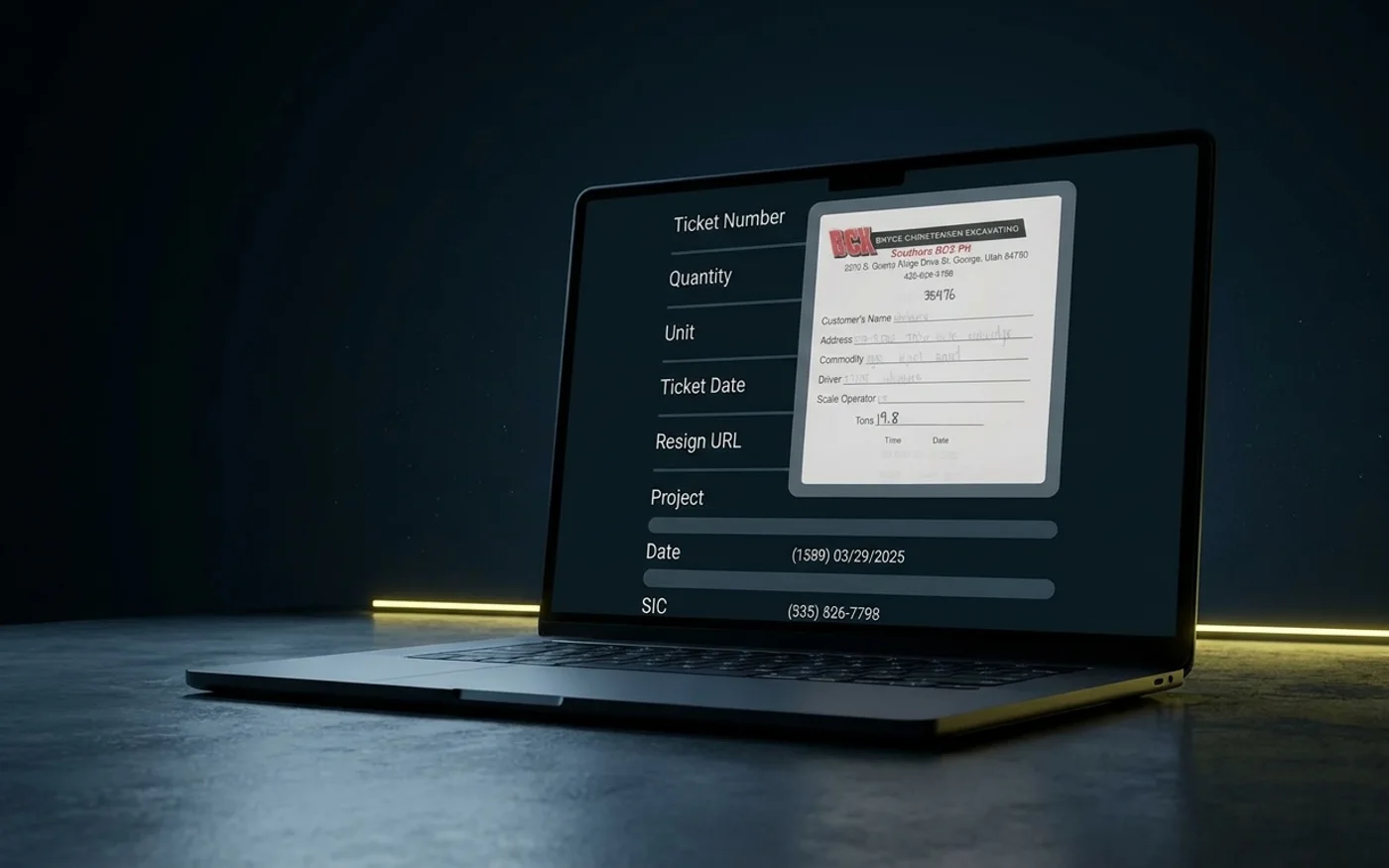
Tread reads the material, quantity, ticket number, customer, project, pickup, and dropoff. It also checks for duplicate tickets.
Inside Tread
Review the ticket and its details together
Tread shows the ticket image next to the information it reads. Your team can verify the material, quantity, ticket number, and job details without entering every field by hand.
Get a demo →Go deeper
Workflows in E-Ticketing
Driver App
Drivers submit tickets, timesheets, directions, and signatures from their phones, online or offline.
AI Load Review
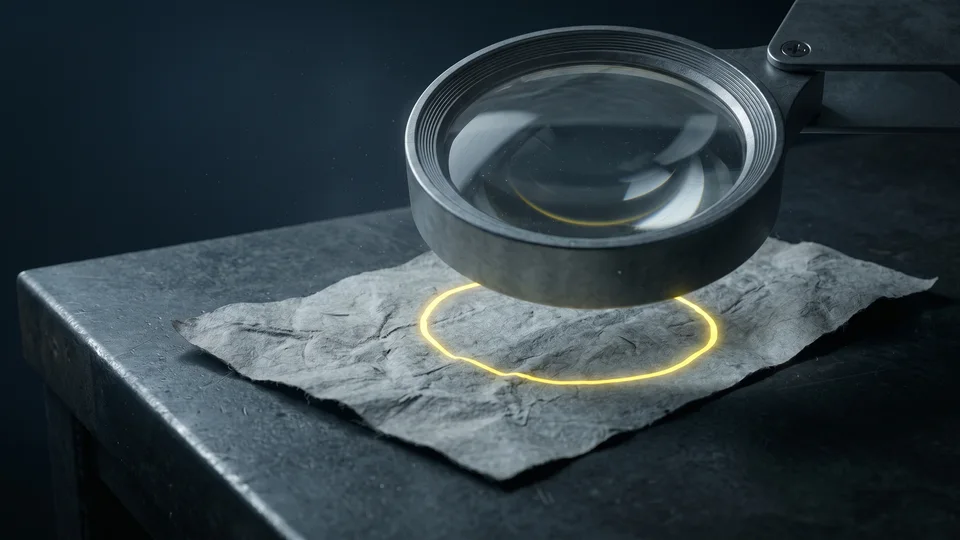
AI checks loads for duplicate tickets and errors before approval.
Same-Day Ticket Approvals
Review and clear tickets the day they come in.
Texting Features
Drivers accept loads, submit ticket photos, and receive alerts by text.
See E-Ticketing in Tread.
See how Tread captures paper and digital tickets, reads the details, and prepares them for review.
Get a demo →FAQ
Common questions
Does Tread replace our scale system?
No. Tread connects with supported scale systems and brings digital ticket data into Tread alongside the load.
Can Tread read handwritten tickets?
Yes. Tread reads printed and handwritten tickets. Anything it cannot read with confidence is flagged for your team to check against the ticket image.
What happens if Tread reads a field incorrectly?
Your team can compare the extracted information with the original ticket image and correct the details before approval.
Are driver timesheets captured with the tickets?
Yes. Drivers submit timesheets from the app, and delivered loads and geofence times back them up, so hours are not re-entered by hand.