
Every load on your site, tracked from pit to pad
For the earthwork and excavating crews moving the dirt, from data centers to highways to site development. Mass grading, sitework, and haul-off, across your own fleet and the third-party trucks you bring in to cover the peak.
What does Tread do for earthwork and excavating contractors?
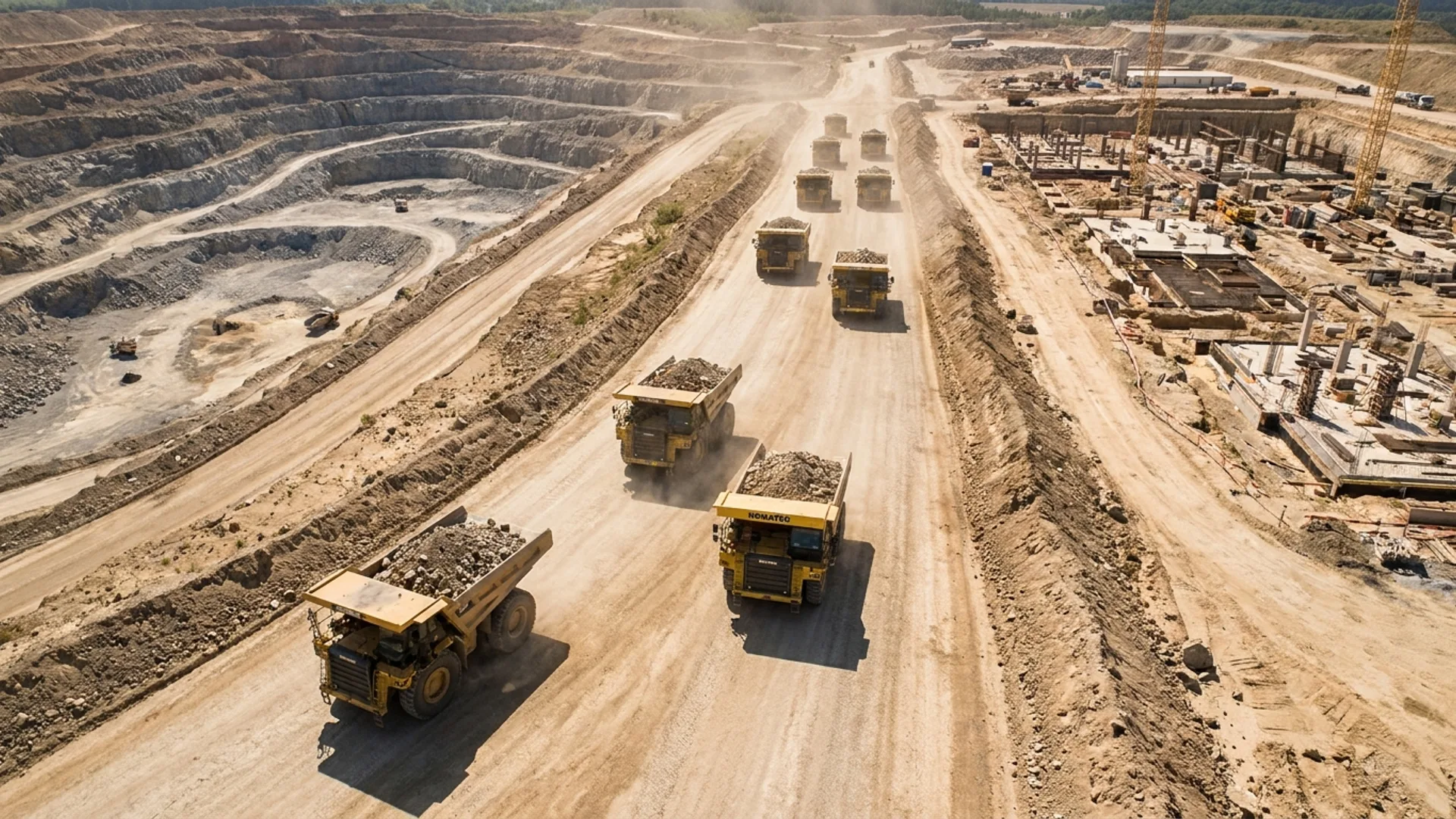
Tread tracks every load an earthwork contractor moves, on owned trucks and third-party haulers, in real time. Tread counts loads at the site, reads the tickets, catches duplicates, and exports approved loads into your ERP. Dispatch sees over-trucking and under-trucking while the job is still running.
The problem
The systems you run today lag, so you find out after it’s too late
Every uncounted load is money gone
Dirt work runs on tight margins. A load that never makes it onto a ticket is work you already paid a driver and a fuel bill to do.
Load integrity and ticket disputes
Duplicate tickets, short loads, and counts that don’t match cost earthwork contractors an estimated 3 to 8 percent.
Owned trucks and brokered trucks on separate systems
Your fleet sits in one place and the haulers you brought in sit on spreadsheets, calls, and texts. Nobody is looking at the whole job.
There’s never a real-time fix in place
The count gets questioned weeks later at billing. By then the dirt is gone and the crew is on the next site.
Inside Tread
Real-time information, so you can adjust over-trucks and under-trucks
See what your fleet is doing in the moment. Owned trucks and third-party haulers on one map, with load counts and cycle times as they happen.
Get a demo →What changes
See the loads while you can still do something about them
Live visibility on every truck and load
Owned or brokered, every truck on the job shows on one map with one load count. Dispatch adjusts over-trucks and under-trucks in the moment.
AI ticket scanning that catches duplicates
Tread reads each ticket and matches it to the load and the GPS route. Duplicates and bad counts surface before billing.
Approved loads export into your ERP
Approved loads carry their tickets and timestamps into the system your office already runs, cutting invoice time up to 80 percent.
Works with the telematics you already run
Tread connects to the telematics platforms fleets already use, so live tracking doesn’t mean new hardware in every truck.
Where the work is
The data center buildout is moving a lot of dirt
Hyperscale campuses need mass grading, haul-off, and structural fill on schedules that don’t move. The same crews are running highway and site development work alongside it. Tread handles all three the same way, by counting every load as it happens.
Data centers
Mass grading and haul-off against fixed schedules, with third-party trucks brought in to cover the peak.
Highway and DOT
Documented counts and route history behind every load, ready for agency and prevailing-wage reporting.
Site development
Cut and fill balanced across phases, with trucking cost visible against the budget while the phase is still open.
Proof
Earthwork contractors already running Tread
Self-performing crews using Tread to count loads across their own trucks and the haulers they bring in.
Go deeper
The roles and workflows that matter most on dirt work
Supes and Managers
Keeping crews working and material moving across the site. Tread shows every inbound load, its ETA, and hauling cost against the budget.
The roleForeman
Ordering trucks, watching ETAs, and approving hauls from the jobsite. Tread puts the whole job on your phone.
The roleDispatcher
Scheduling 50+ trucks a day around absences, call-outs, and equipment requests. Tread puts the whole board in one view.
Step 04Live Tracking
Track company and third-party trucks live, then use Truck Replay to verify routes, arrivals, and time on site.
Step 05E-Ticketing
Capture tickets by app, text, or scale integration while AI Ticket Scanner pulls the key details and flags what needs review.
FAQ
Questions from earthwork and excavation contractors
What does Tread do for earthwork and excavating contractors?
Tread counts every load your crews move and shows it live, whether the truck is yours or a hauler you brought in. Tickets are read by AI and matched to the GPS route, approved loads export into your ERP, and trucking cost shows against the job while the job is still running.
Does Tread track third-party haulers as well as our own trucks?
Yes. Owned trucks and third-party haulers show on the same map with the same load count, so dispatch can see who is short and who is over without making a round of calls.
How does Tread count loads on a mass grading job?
Geofenced site entry and exit capture each load, and Tread timestamps the cycle without anyone writing it down. Drivers confirm the load in the app, and the count reconciles against the ticket.
Does Tread work with the telematics we already have?
Yes. Tread connects to the telematics platforms fleets already run, and live tracking also works through the driver app on the phones your drivers already carry. There is no new hardware to install.
Can approved loads export into our ERP?
Yes. Approved loads carry their tickets, timestamps, and route history into the accounting and project systems your office already runs, so billing works from the delivered load instead of a re-keyed one.
Do you support data center projects?
Yes. Data center sitework is mass grading and haul-off on a fixed schedule, usually with third-party trucks covering the peak. That is the same work Tread already tracks on highway and site development jobs.