
Bill the work when it is done.
Approved tickets give your team the rates and load details needed to invoice customers and calculate third-party hauler settlements.
Payments coming soon.
How does Tread handle invoicing?
Tread turns approved loads into customer invoices and driver or third-party hauler settlements, using the rates already set on the project. Each invoice line carries its ticket, quantity, rate, and timestamps, and billing data syncs to QuickBooks Online or QuickBooks Desktop, so completed work can be billed the same day without another round of data entry.
Invoicing & Payments in Tread
Build invoices and settlements from approved work
Create invoices from completed loads
Tread uses approved quantities, rates, and job details to prepare customer invoices with the supporting tickets attached.
Calculate what you owe
Use the approved work and project rates to prepare driver and third-party hauler settlements.
Send billing data to accounting
Export receivables and payables to supported accounting systems without entering the same information again.

Inside Tread
Review what you bill and what you owe
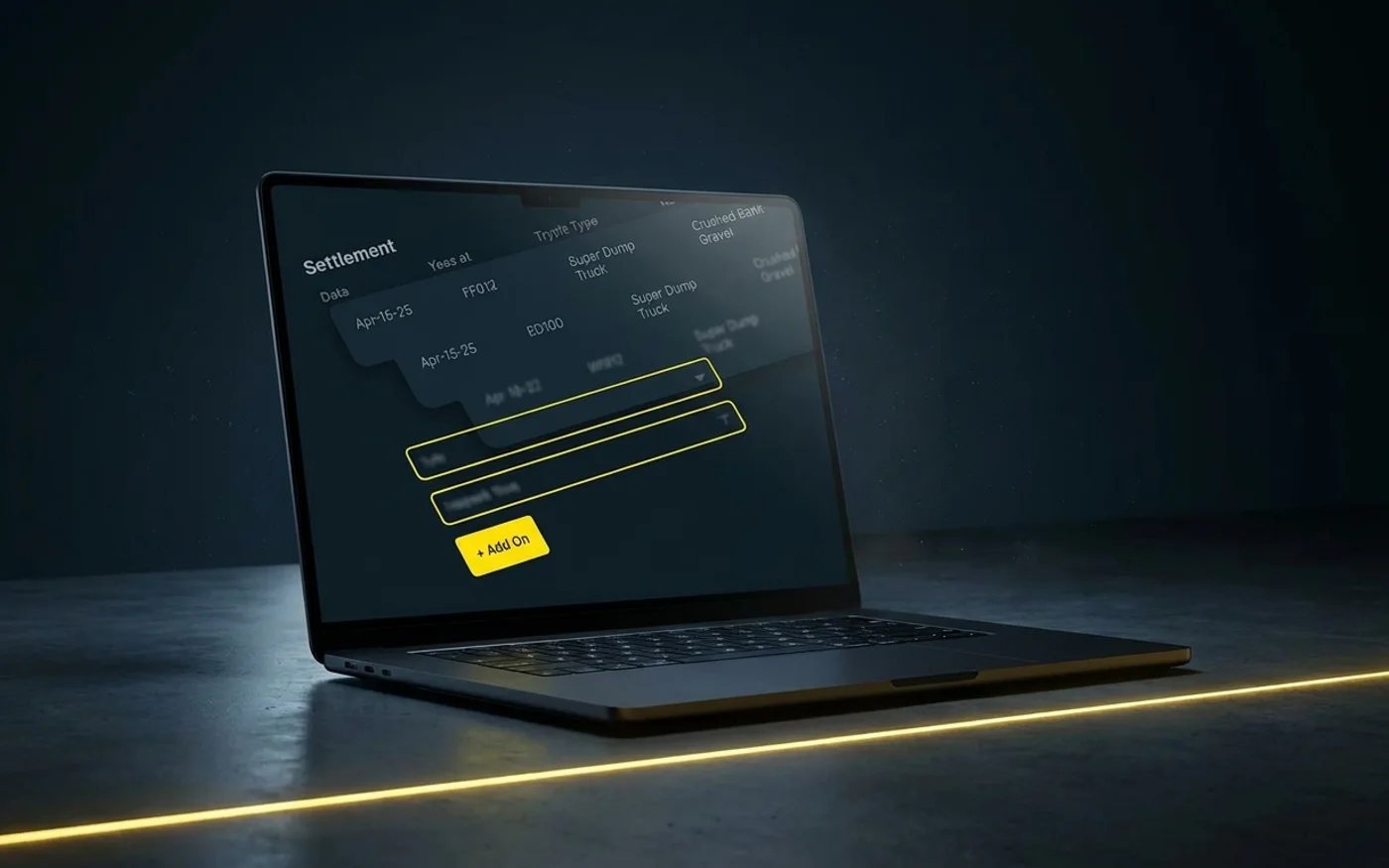
See customer charges and driver or third-party hauler settlements alongside the rates, tickets, and load details behind them.
Get a demo →Where this fits
Go deeper
Workflows in Invoicing & Payments

Same-Day Ticket Approvals
Clear completed tickets while the supporting information is available and move approved work into billing the same day.

AI Load Review
AI checks each ticket's quantity, date, and ticket number against the job, and flags the ones that need a look.

Mileage by State
Tread records distance driven per state and province for each driver day.
Move completed work into billing.
See how Tread takes approved loads into invoices and settlements without another round of data entry.
Get a demo →FAQ
Common questions
How soon can we invoice completed work?
Approved loads can move into customer invoices the same day, with the supporting tickets and load details already attached.
How does Tread calculate third-party hauler settlements?
Tread uses the work your team approved and the rates established for the project to calculate what you owe each hauler.
Can the customer rate and the hauler rate differ on the same load?
Yes. The customer rate and the third-party hauler rate are set separately on the project, so the invoice and the settlement for the same load each use their own rate.
Does Tread replace our accounting system?
No. Tread exports approved settlements as QuickBooks invoices and bills, and QuickBooks stays your ledger. Tread supports QuickBooks Online and QuickBooks Desktop.
What supporting detail goes out with an invoice?
The approved tickets, quantities, rates, and timestamps behind each line, so a customer can check the invoice against the loads without calling you.
Can Tread send payments directly?
Not yet. Tread prepares settlements today. Direct payments are coming soon.